
Importing sales from the cash register
The single feature that saves the most time: bringing the real sales from your register into your food cost, without typing a single line.
The single feature that saves the most time: bringing the real sales from your register into your food cost, without typing a single line.
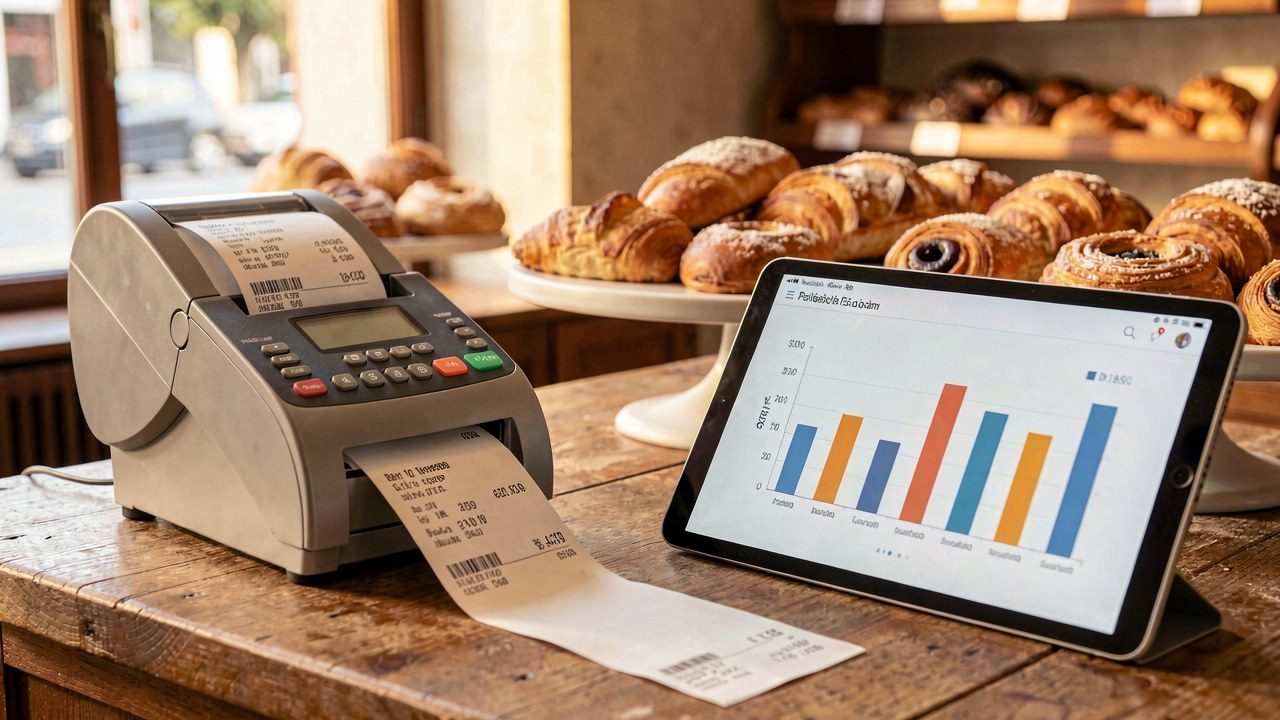
Anyone who has tried “serious” food costing knows the wall they hit: working out the cost of a recipe is doable, but to know whether you're really making money you have to cross those costs with what you actually sold. And in a lab, sales run to hundreds of lines a day. Transcribing them by hand is unthinkable: you put it off, then you stop, and food cost stays a theoretical exercise.
Your cash register already has all that data. ContoGusto takes it from there.
Instead of entering sales one by one, ContoGusto pulls the takings from your cash register and matches them to the products in your catalogue. The result is that every morning — or whenever you need it — you have in front of you:
Saving the manual entry is already a lot. But the real difference is elsewhere: when import is automatic, food cost stops being a “someday” project and becomes something you actually look at, consistently. And it's only by looking at it consistently that you recover margin.
Most labs that start measuring properly discover one or more “flagship” products — the big sellers — that actually earn very little, or even at a loss. They're exactly the products you'd never touch on instinct. The real numbers, fed by your register's sales, put them right in front of you.
You don't have to digitise everything on day one. The most effective path is: load the recipes for your main products, link the register's items, import a month of sales. Even on that sample you'll see the profitability ranking take shape — and, most likely, a surprise or two.
Keep reading: Real vs estimated food cost: where the margin hides.